
How to Use AI for Coding on a Budget
You don't need to spend $200/month to get serious value from AI coding tools. Here's what actually works at the free and cheap tiers.
Note: This is a living post. Last updated: June 29, 2026.
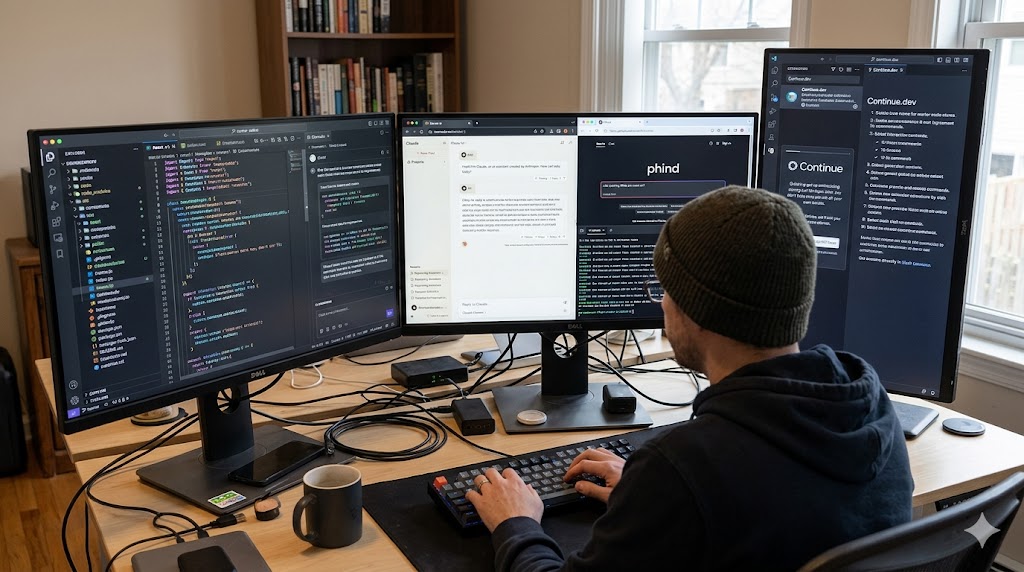
AI coding tools have gotten expensive fast. Cursor Pro, GitHub Copilot, Claude Max. Subscriptions stack up. But the free and cheap tiers have also gotten genuinely good. You can do serious work without spending much, if you're deliberate about it.
Start with what's actually free
These are legitimately free with no credit card required:
- Claude.ai (free tier): access to Sonnet, the mid-tier model. Rate-limited but capable. Good for architecture questions, code review, and explaining unfamiliar codebases.
- GitHub Copilot (free tier): 2,000 completions/month and 50 chat messages. Enough to get a real feel for it before committing.
- Gemini (Google AI Studio): generous free API quota. Gemini 2.0 Flash is fast and surprisingly capable for code.
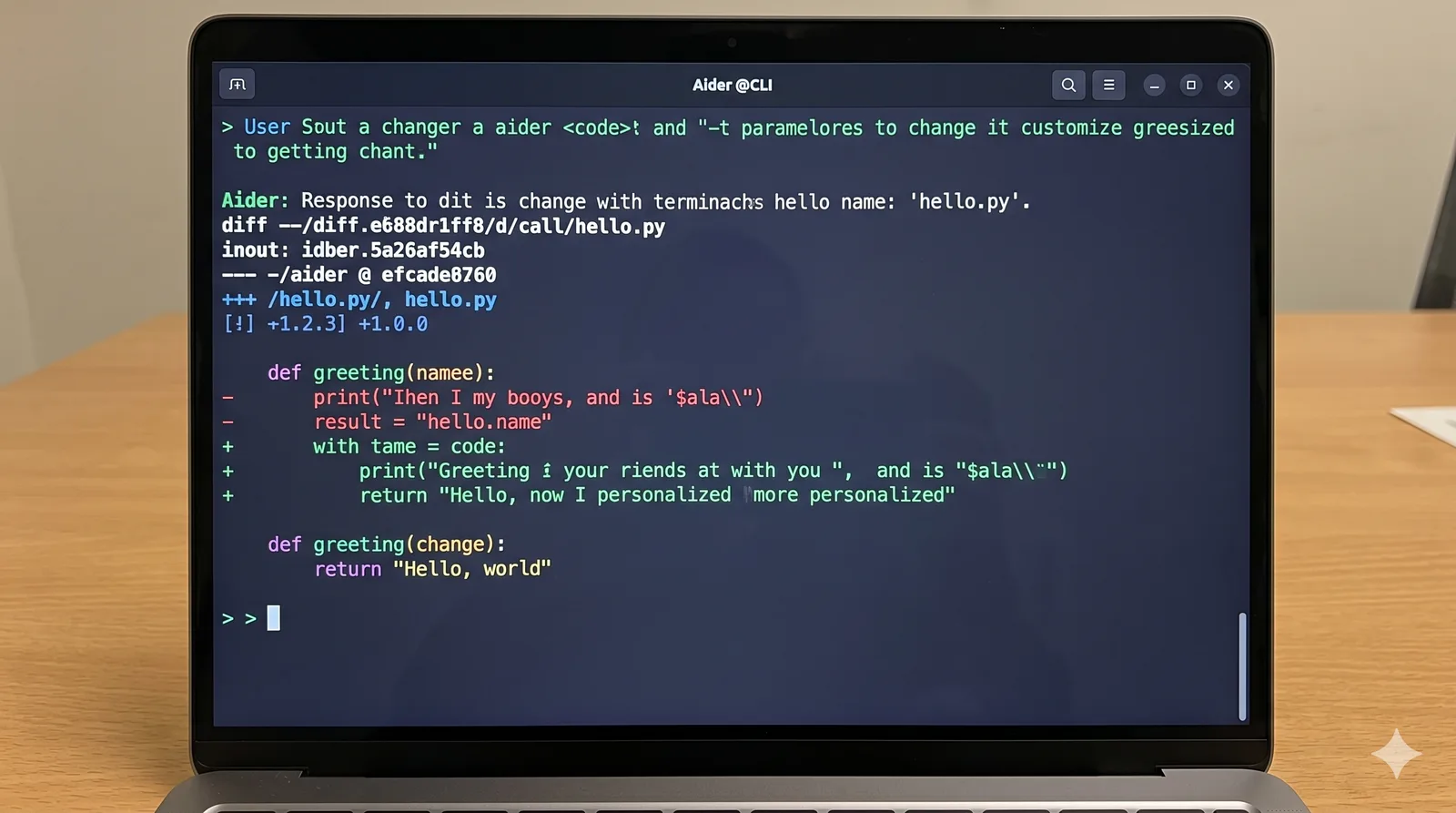
- Aider (open source): CLI-based coding agent that works with any model. Pair it with a free API tier and you have a free Cursor alternative.
The $12 option: nano-gpt.com
nano-gpt.com has a $12/month plan that gives you 60 million tokens per week across a broad selection of Chinese models: DeepSeek, GLM, MiniMax, and others. If you're curious about the Chinese model ecosystem or want serious token volume without committing to a Western vendor, this is one of the cheapest ways in. The models have gotten genuinely competitive, especially DeepSeek for code.
MiniMax M3 token plans are worth watching
MiniMax M3 is one of the more interesting budget coding models right now because the token economics are aggressive. The plan is cheap, and at higher usage levels you can usually get far more raw token volume than you would from Claude or Codex-style subscriptions at the same spend.
That does not automatically make it the best model for every task. I would treat MiniMax M3 as a high-volume workhorse: good for long refactors, repeated test-writing passes, repo exploration, and agent runs where you expect a lot of back-and-forth. Save the more expensive frontier models for the parts where judgment, security, architecture, or tricky debugging matter most.
The $20 tier is the sweet spot
If you're going to spend anything, the $20/month options punch well above their weight:
- Claude Pro: gets you Claude Sonnet 4 with higher rate limits, plus access to Claude Code (the CLI). For coding tasks, this is arguably the best value at this price point.
- ChatGPT Plus: access to GPT-4o and the o-series reasoning models. Useful if you're already in the OpenAI ecosystem.
- Cursor (Hobby): 2,000 fast completions + slow completions. Enough for part-time or side-project use.
Pick one. You don't need all three.
Use the free API tiers strategically
Most AI providers give you free API credits when you sign up:
- Anthropic: free credits on signup, then pay-as-you-go
- Google AI Studio: free Gemini API access with rate limits
- OpenRouter: routes to multiple models; some are free, some are pay-per-token
The key insight: API access is almost always cheaper than subscriptions if you're a moderate user. Run the math on your actual usage before defaulting to a flat monthly fee.
Aider + a cheap model = a real coding agent for free
Aider is an open-source AI coding assistant that runs in your terminal. It edits files directly, understands git, and works with most major model providers.
Pair it with Google's free Gemini Flash API and you have a zero-cost coding agent for most tasks:
pip install aider-chat
aider --model gemini/gemini-2.0-flash-exp
It's not as polished as Cursor, but for refactoring, generating boilerplate, and working through a task list, it's genuinely capable.
Coding agents that fit a smaller budget
The agent you choose matters almost as much as the model. A good agent keeps context tight, edits cleanly, and avoids wandering through your repo for no reason.
- Aider: still the best simple terminal baseline. It is boring in the best way: clear diffs, good git behavior, and easy model switching.
- opencode CLI: a strong terminal-first option if you want an agent workflow without buying into a full editor. Good for developers who already live in the shell.
- opencode Desktop: useful if you want the same agent style with a more visual workflow. It sits nicely between a bare CLI and a full AI IDE.
- OpenCode GO: the subscription is worth considering if you like the opencode workflow but want a predictable monthly cost instead of constantly thinking about API spend.
- Pi Agent: the least token-burning option I have tried, but also the most minimalistic. It is a good fit when you want small, controlled edits and do not need a heavy interface.
- commandcode.ai: worth checking if you are comparing deals. Their offers can be attractive because they bundle agent access in a way that is easier to budget than pure per-token billing.
Where to use AI and where not to
Free tiers run out. Use AI where it gives you the most leverage:
High-value uses:
- Generating boilerplate (forms, CRUD, config files)
- Understanding unfamiliar code or libraries
- Writing and debugging regex, SQL, shell scripts
- First drafts of tests
Lower-value uses (don't burn your quota here):
- Asking it to explain things you could Google in 30 seconds
- Iterating on UI copy or design decisions
- Anything where you'll need to heavily edit the output anyway
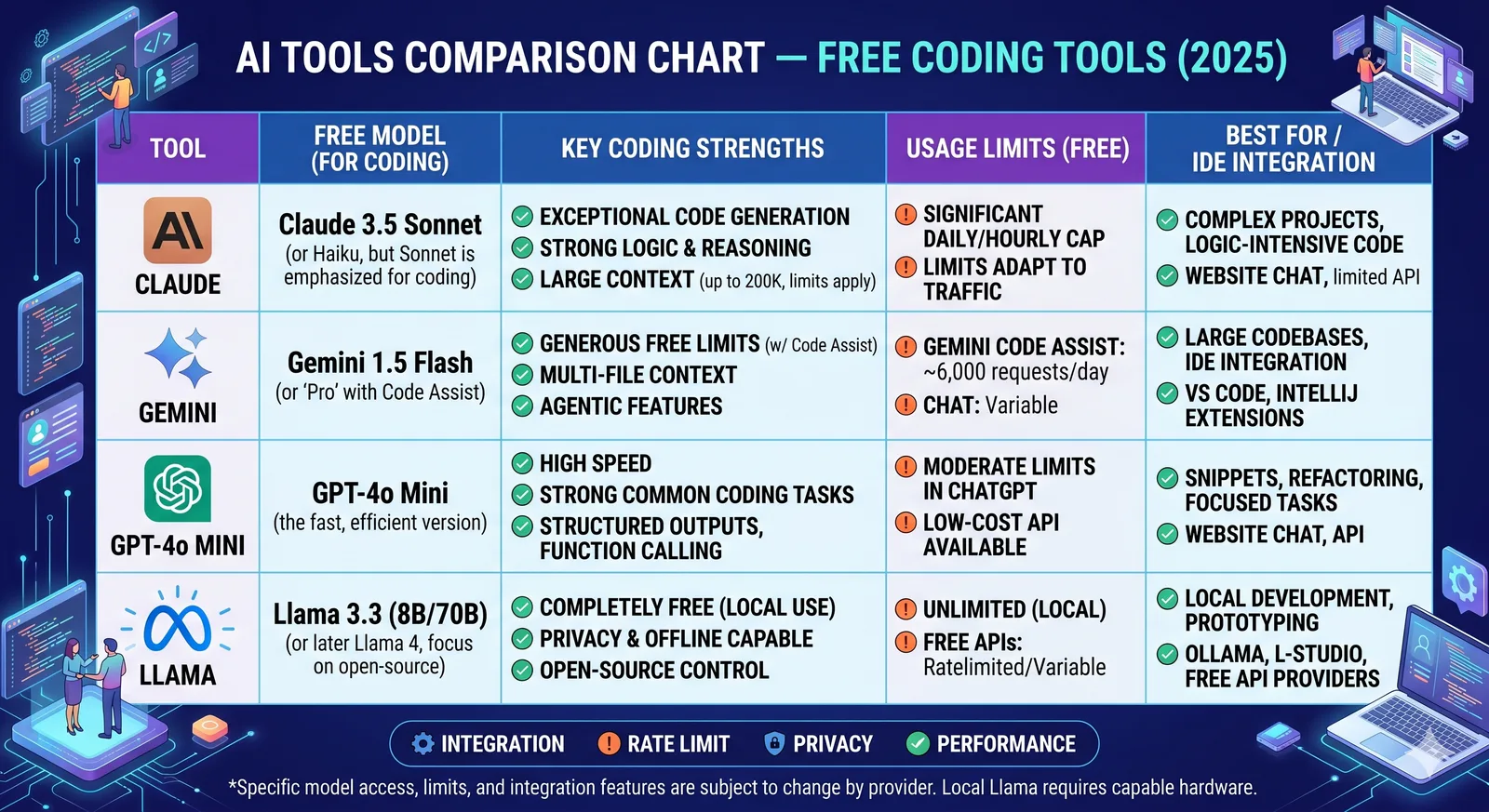
The free model tier comparison (June 29, 2026)
| Model | Free Access | Best For |
|---|---|---|
| Claude Sonnet (claude.ai) | Yes, rate-limited | Code review, architecture |
| Gemini 2.0 Flash | Yes, via AI Studio API | Fast completions, agentic tasks |
| GPT-4o Mini | Yes, via ChatGPT | General coding Q&A |
| Llama 3 (via Groq) | Yes, very fast | Quick completions, low latency |
Model price is only half the math
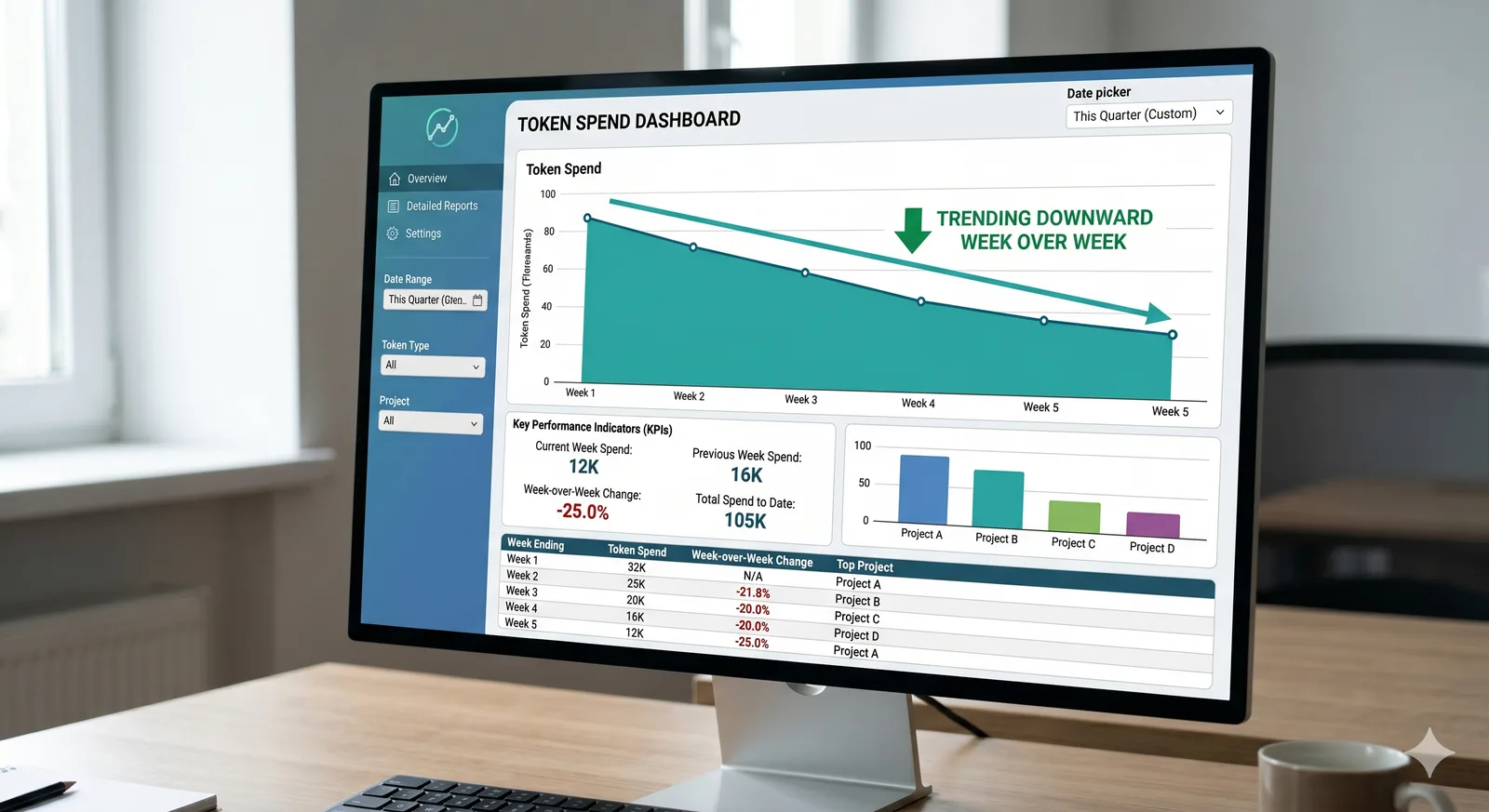
Token price is only one part of the real cost. A cheaper model can still cost more if it needs five attempts, repeats bad edits, or burns a giant context window every time it touches a file. A more expensive model can be cheaper in practice when it understands the task faster, writes a correct patch on the first try, and avoids long correction loops.
So I think about cost per finished task, not just cost per million tokens. For routine work, cheap tokens win. For ambiguous product work, deep debugging, migrations, security-sensitive code, or architecture, stronger models often use fewer total tokens because they take a shorter path to a usable answer.
Habits that stretch a small budget further
Tooling matters less than how you use it. A few habits that have meaningfully reduced my token burn without hurting output quality:
Front-load context once, not every message. Paste the relevant files, types, and a one-paragraph spec at the start of a session. Then keep the rest of the conversation tight. Re-pasting the same context every prompt is the single biggest waste of free-tier quota I see.
Ask for diffs, not full files. "Show me only the lines that change" cuts output tokens by 5–10x on large files. Most rate limits are output-bound, not input-bound.
Use the cheap model for the boring 80%. Boilerplate, renames, "write the test for this function," "add JSDoc to these exports" — Gemini Flash or Haiku handle these at a fraction of the cost. Save Sonnet/Opus for the parts that actually need judgement.
Cache your system prompts. If you're using the API directly, prompt caching can drop costs by 70–90% for repeated context. The Anthropic and Gemini SDKs both support it; most people forget to turn it on.
Stop mid-task to review. Letting an agent run for 20 minutes unsupervised is how you burn $5 on a wrong turn. Short loops with human review are cheaper and produce better code.
Use caveman. It's a Claude Code plugin (also works with Cursor, Windsurf, Copilot, Codex, and 30+ others) that makes your AI agent respond like a caveman — dropping filler words and verbose preamble while keeping full technical accuracy. The result is ~75% fewer output tokens with no loss in usefulness. Install is one command:
# macOS / Linux / WSL
curl -fsSL https://raw.githubusercontent.com/JuliusBrussee/caveman/main/install.sh | bash

# Windows (PowerShell)
irm https://raw.githubusercontent.com/JuliusBrussee/caveman/main/install.ps1 | iex
You can dial in the intensity: lite drops filler, full is default caveman, ultra is telegraphic. Same fix. 75% less word.
What's overrated at every price point
Some things sound great in marketing copy and rarely earn their cost in practice:
- "Unlimited" plans. They're never actually unlimited. Read the fair-use clause. The throttling kicks in right when you'd actually benefit.
- Massive context windows for everyday work. A 1M-token window is useful maybe 5% of the time. The other 95%, you'd get better results with a focused 20k-token prompt.
- Multi-model routing as a default. Routing between models adds latency and complexity. Pick one model that works and only reach for others when you've identified a real gap.
- Voice and image inputs for code. Cool demo. Slow workflow. Type the code.
A note on quality vs. cost
The honest tradeoff: cheaper models do worse work on hard problems. If you're doing serious architecture, security-sensitive code, or anything where a subtle bug costs real money, paying for the top-tier model is the right call. The budget tier is for everything else, which is most of what most of us do most days.
Don't be cheap on the 5% of work that matters. Be ruthless on the 95% that doesn't.
Changelog
- June 29, 2026: Added the MiniMax M3 token plans section, expanded the budget agent list with opencode CLI/Desktop, OpenCode GO, Pi Agent, and commandcode.ai, updated the free model comparison date, and replaced the personal setup section with model-cost guidance.
- June 13, 2026: Initial publish. Added the free and cheap tier breakdown, Aider + Gemini Flash workflow, nano-gpt.com, free model comparison table, budget habits, overrated tooling notes, quality vs. cost guidance, and the caveman plugin.
Have a tool or tip I missed? The best setups I've found came from other developers sharing what actually works for them.
Building something? Let’s see if it’s a fit.
Comments
Comments